Forti Wizard Cheater: bulk comment cleanup for FortiGate configs
Live tool: https://fortiwizardcheater.busselot.org
Source code: https://github.com/Rednas1992/Forti_Wizard_Cheater
Why this tool?
I built this tool because I like using FortiGate’s VPN Wizard. It gives me a consistent way to set up VPNs mainly for remote-access VPNs (not site-to-site, which often varies by situation). However, the Wizard automatically adds comments like “created by … wizard” to everything it creates. Some colleagues don’t want me to use the Wizard, even though it produces the same result we’d configure manually, just faster… To avoid that debate, I wrote this script. It scans the configuration for those Wizard comments and generates simple CLI commands to remove them. I also made the tool a bit broader: there’s a wildcard option so I can quickly find and strip other comment patterns in the future, not just the Wizard ones. Consistent remote-access VPNs with the FortiGate Wizard, minus the “created by … wizard” clutter, found and removed via one-click CLI, with wildcard search for other patterns.
What the app does
- Parses your FortiGate config (
.conf/.txt) client-side (no data leaves the browser). - Finds all
set comment/set commentsentries and shows them with their context path (including VDOM nesting). - Generates minimal, safe CLI blocks that
unset commentat the exact location. - Search modes (mutually exclusive), plus a fallback:
- Wizard mode: only show comments containing
created by … wizard. - Wildcard mode: filter comments using your own wildcard (supports
*and?, case-insensitive). - Neither checked: list all comments.
- Wizard mode: only show comments containing
Privacy & security
Everything runs locally in your browser. The tool stores nothing and sends nothing. Don’t take my word for it — check the code on GitHub or run it locally.
Quick start (online)
- Open https://fortiwizardcheater.busselot.org.
- Upload your FortiGate config.
- Choose Wizard or Wildcard (or leave both off to list all comments).
- Click Start analysis.
- Copy or download the generated CLI and paste it into the FortiGate CLI (SSH/console).
- (Optional) Save a config revision:
execute config-revision save
Example of generated CLI
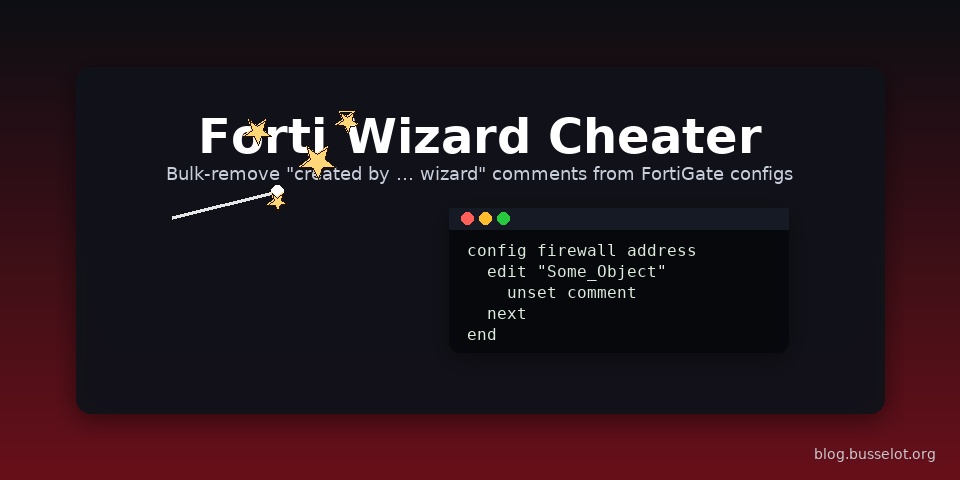
The app creates a minimal block per match that navigates to the exact context and runs unset comment.
config firewall address
edit “Some_Object”
unset comment
next
end
With VDOMs, the correct VDOM context is added automatically, e.g.:
config vdom
edit root
config firewall address
edit “Some_Object”
unset comment
next
end
end
Run it locally
No build step is required.
git clone https://github.com/Rednas1992/Forti_Wizard_Cheater.git
cd Forti_Wizard_Cheater
python3 -m http.server 8080
then visit http://localhost:8080
How it works (technical)
- Reads lines and tracks the current config path with
config …,edit …,next,end(VDOM-aware). - Captures
set comment/set commentsvalues. - Filters the list per the selected mode (wizard / wildcard / all).
- For each match, generates a minimal CLI block to
unset commentat the same path.
Limitations & notes
- Wildcard uses simple globbing (
*and?); it’s not full regex. - The matcher targets only
set comment/set comments.
If you also want to includeset description, extend the regex inapp.js(look forreCmt). - Very large configs may produce many matches; everything still runs client-side.
Roadmap / ideas
- Option to include
set description. - Regex mode in addition to wildcard.
- Export to
.bat/.shwith confirmation prompts. - UI polish (light/dark, compact list view).
Credits & license
Built for blog.busselot.org.
MIT License © Sander Busselot.